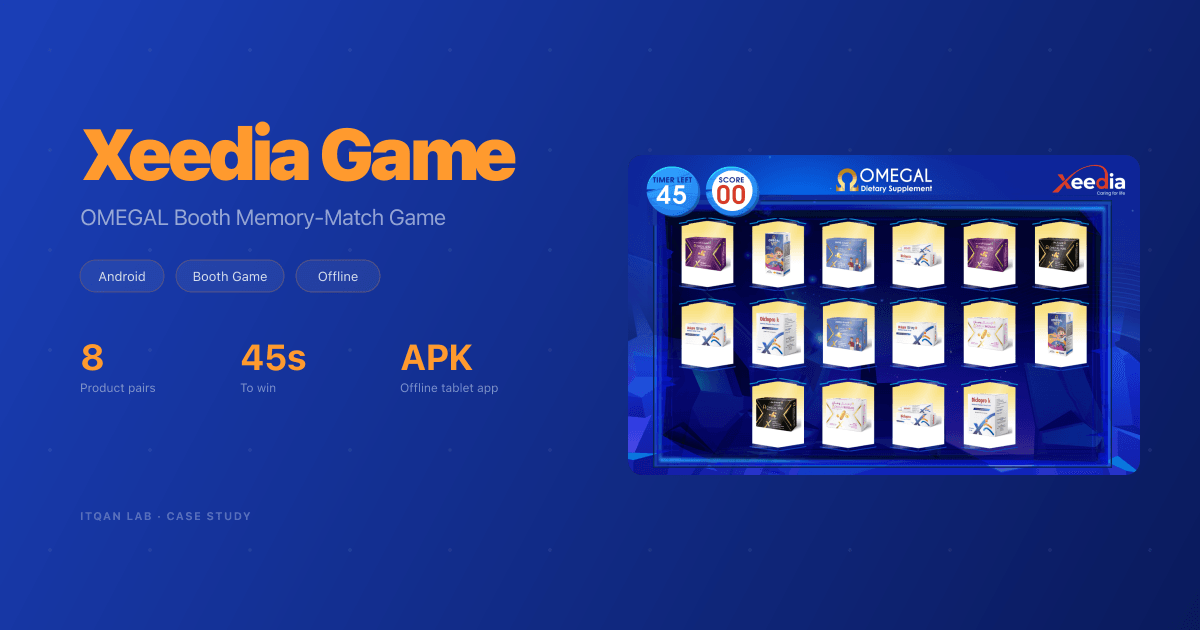
Xeedia Game: an Offline Memory-Match Game for the OMEGAL Booth
An offline Android app for Xeedia's OMEGAL booth. Visitors register, watch a short intro, and match eight product pairs in 45 seconds. Every screen moves, every play is saved on the tablet, and staff export it all to Excel.
Services
Results
The Challenge
Xeedia wanted a game for the OMEGAL booth that runs on an Android tablet with no internet. A visitor registers, watches a short intro, plays a 45-second memory-match game, and wins or loses. Every play is saved on the tablet and exported to Excel.
The artwork arrived as layered PSD files, with no cut assets and no sound.
What We Built
An offline Android app (APK) with five screens, each with its own motion. The loops below have no sound.
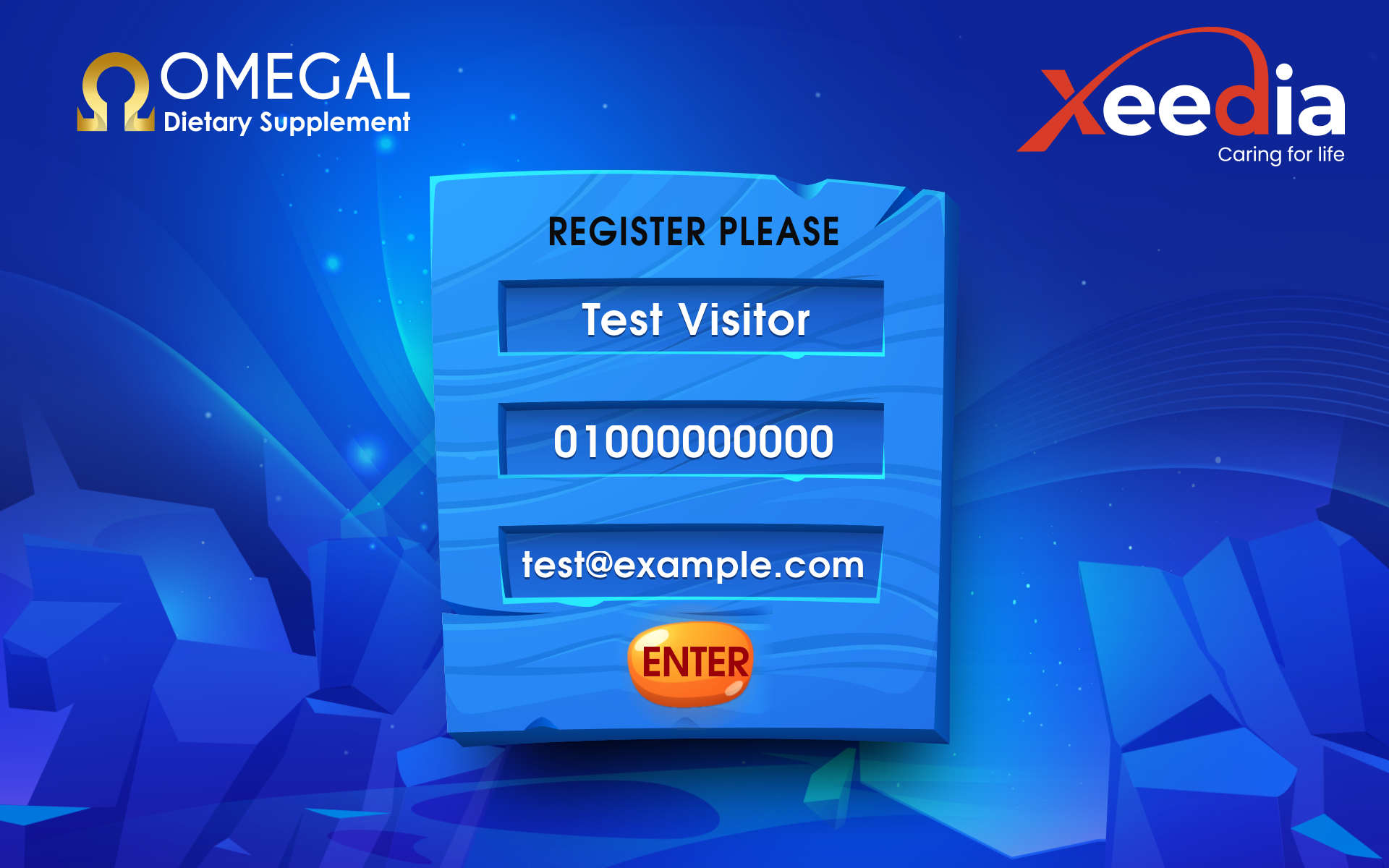
Splash and Register
A gleam sweeps across the Xeedia logo at launch, then the register form: name, mobile and e-mail, with an ENTER button that glows when pressed.
Rules and Countdown
Two product boxes fly in and float over glowing podiums, the rules panel drops in, then 3-2-1 with a sound on every number, and the whole scene leaves.

The Board
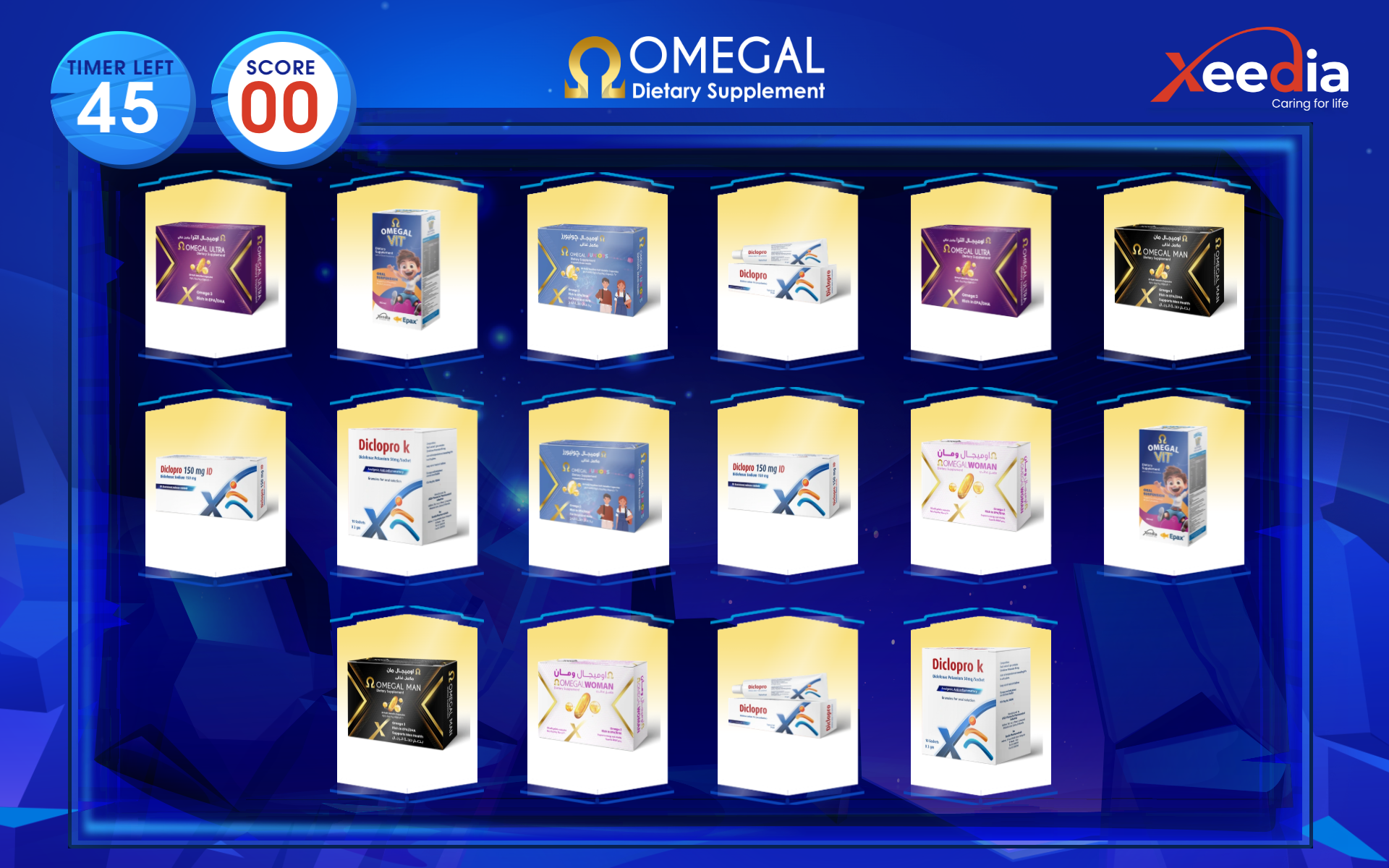
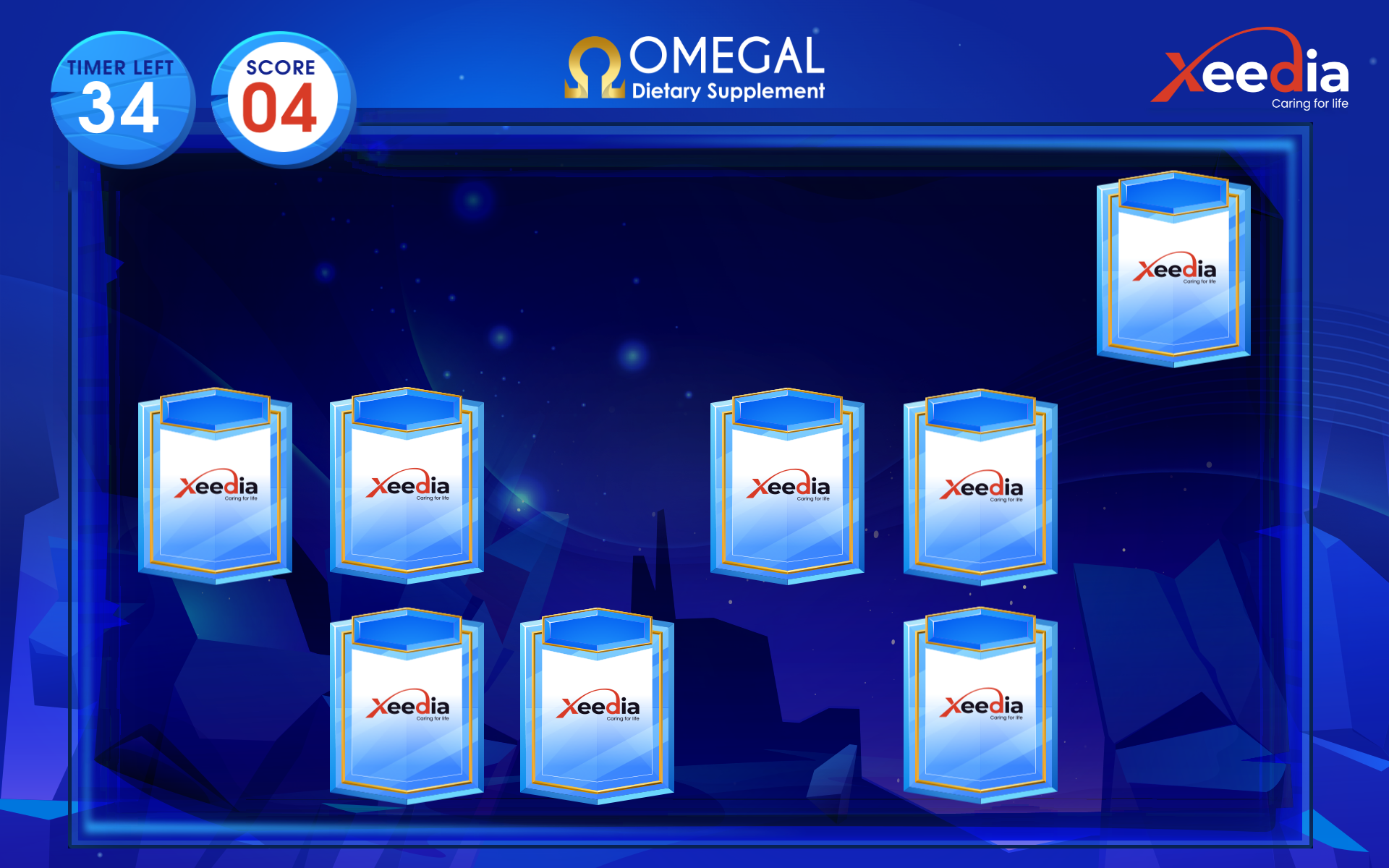
16 cards deal out of the middle of the board, spinning. When the last one lands, they all turn face up for 3 seconds so the visitor can memorise the products, then turn back. Only then does the clock start. The layout is shuffled on every play.
A pair lifts, glows and flies into the score disc. A miss shakes and turns back. In the last 10 seconds the timer pulses red and ticks every second.
Win and Lose
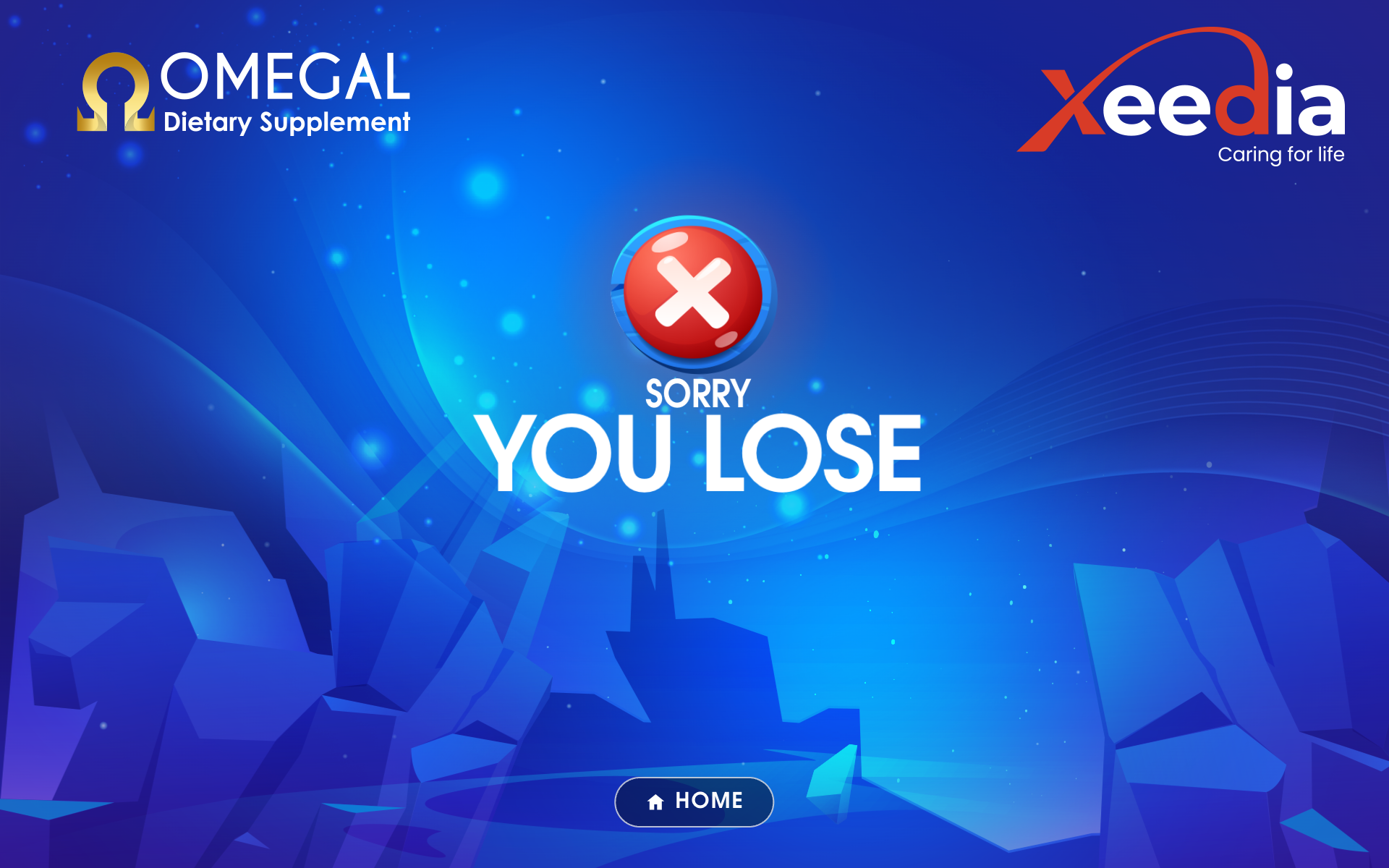
Win: the check bounces in, and confetti bursts out of it and keeps falling. Lose: the X slams in, the scene shakes, and a red wash flashes. Both hold for 6 seconds or a tap, then go back to register for the next visitor.

Data on the Tablet
Every play is saved to a SQLite database on the tablet itself. A hidden staff screen opens with a long press on the register title and a PIN. It exports an Excel file and shares it through Android’s share sheet (Drive, Gmail, Bluetooth). Every export is tagged with the tablet it came from.
From PSD to App
We wrote a pipeline that cuts every element out of the PSDs and records where each one sits on the 1920 × 1200 design canvas. The rebuilt register screen differs from the PSD by a mean of 2.95 / 255 per pixel. Photoshop blend layers are solved ahead of time into plain images, so the app ships with no blend modes at all. That is what fixed the “black bubbles” the client saw on their emulator.
No audio arrived, so we made the music and nine sound effects from scratch. That leaves no licence question at a pharma event. The app fits any landscape tablet and is checked at 12 sizes, from 960 × 600 to 2560 × 1080.